

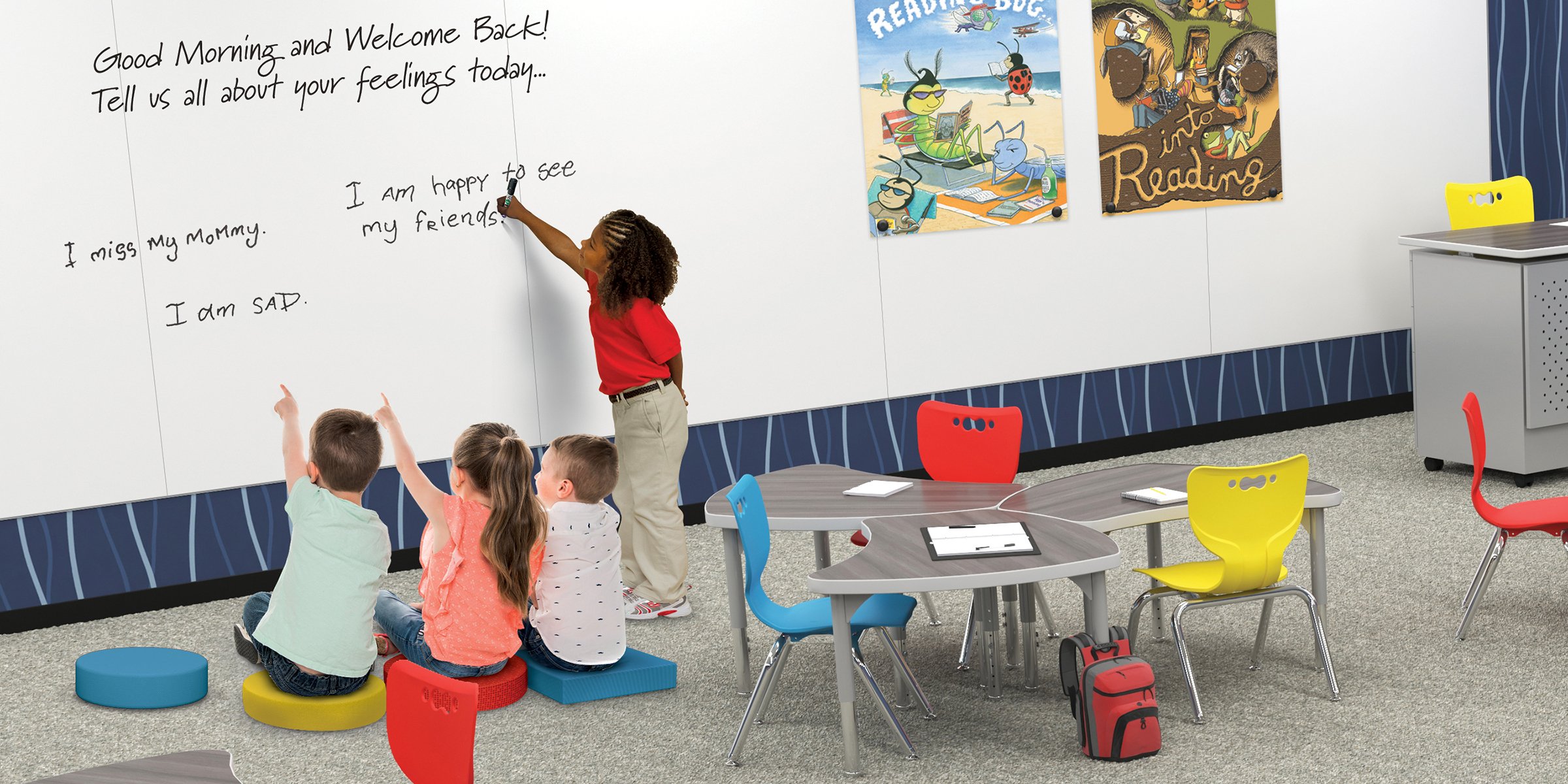
Whiteboards are workhorses. They get written on, erased, written on again, drawn on with the wrong marker, and ignored for cleaning for longer than they should be. The result is familiar to anyone who's walked into a classroom or meeting room: a board that looks more gray than white, with ghost marks from last week's lesson still faintly visible beneath today's new content.
The good news is that most whiteboard cleaning problems — including ghosting, permanent marker accidents, and stubborn dry erase residue — have straightforward solutions that don't require special products. This guide covers how to clean both dry erase whiteboards and glass boards, with step-by-step instructions for everyday maintenance, deep cleaning, and the specific problems that tend to cause the most frustration.
How to Clean a Dry Erase Whiteboard
Before first use: removing the protective film
Most new whiteboards ship with a clear protective plastic film over the writing surface. This must be removed before use — writing on the film will damage both the film and, in some cases, the surface beneath it.
- Score lightly around the trim of the board with a utility knife or Exacto knife to separate the film from the edge.
- Use a fingernail or the edge of a credit card to lift a corner of the film.
- Peel the film back slowly and evenly — pulling too fast can cause the film to tear and leave adhesive residue on the surface.
- Once the film is removed, wipe the surface with a clean microfiber cloth and glass cleaner before first use to remove any manufacturing residue.
Everyday cleaning: regular dry erase marks
For routine cleaning after normal dry erase use, the process is simple:
- Wipe the surface with a quality dry eraser immediately after use — the longer dry erase ink sits on the surface, the harder it becomes to remove cleanly.
- For any remaining residue after dry erasing, spray the surface lightly with a glass cleaner or alcohol-based whiteboard cleaner.
- Wipe briskly with a clean, lint-free microfiber cloth. Avoid paper towels — they leave lint fibers on the surface and can scratch softer whiteboard materials over time.
- Rinse the surface with clean water if using a spray cleaner, and dry with a second clean cloth.
For porcelain steel surfaces — the material used in MooreCo's Hierarchy Shapes Desks and most of our writable surface products — any of the following work well for everyday cleaning: glass cleaner, alcohol-based cleaners, non-abrasive ceramic stovetop cleaner, or mild soap and water. What to avoid: caustic or abrasive cleaners, acetone, ammonia, and harsh detergents, all of which can damage the surface coating over time.
Deep cleaning: removing stubborn ghosting and residue
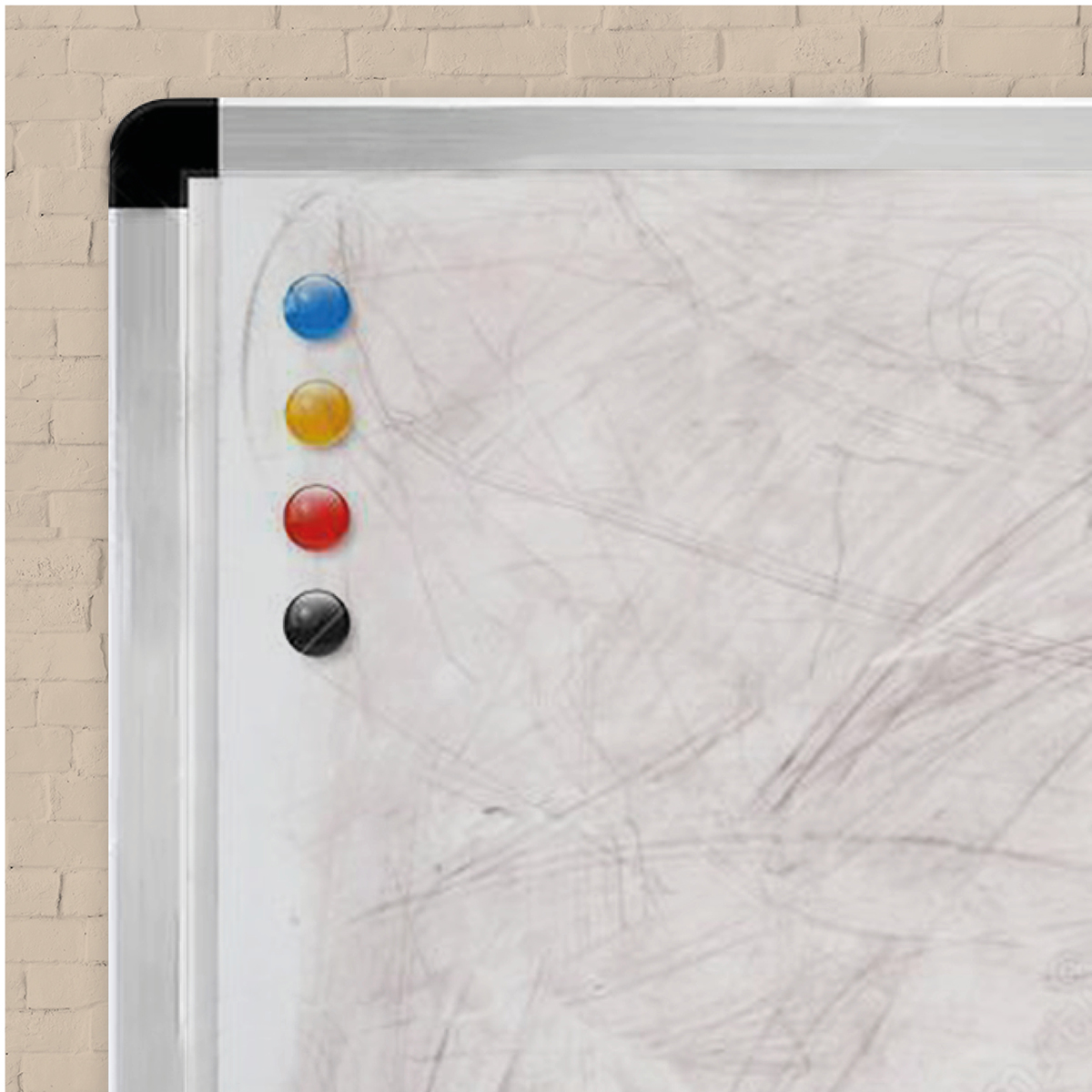 Ghosting — the faint shadow of previous writing that persists after erasing — is the most common long-term whiteboard maintenance problem. It happens when dry erase ink is left on the surface too long, when low-quality markers are used, or when the board is cleaned with an already-dirty eraser that redistributes ink rather than removing it.
How to remove ghosting from a whiteboard:
- Apply a small amount of non-abrasive whiteboard cleaner or isopropyl alcohol (70% concentration) directly to a clean microfiber cloth — not directly to the board surface.
- Rub the affected area in a circular motion with firm, steady pressure.
- Wipe clean with a second dry microfiber cloth.
- For persistent ghosting, repeat the process. On porcelain steel surfaces, a non-abrasive ceramic stovetop cleaner (like Bar Keepers Friend) applied with a soft cloth and rinsed thoroughly can restore the surface effectively.
- Once the ghosting is removed, allow the surface to dry completely before writing on it again.
Prevention is more effective than treatment: erase daily, clean with a damp cloth weekly, and replace dry erasers when they become saturated with ink (a dirty eraser spreads ghosting rather than removing it).
How to Remove Permanent Marker from a Whiteboard
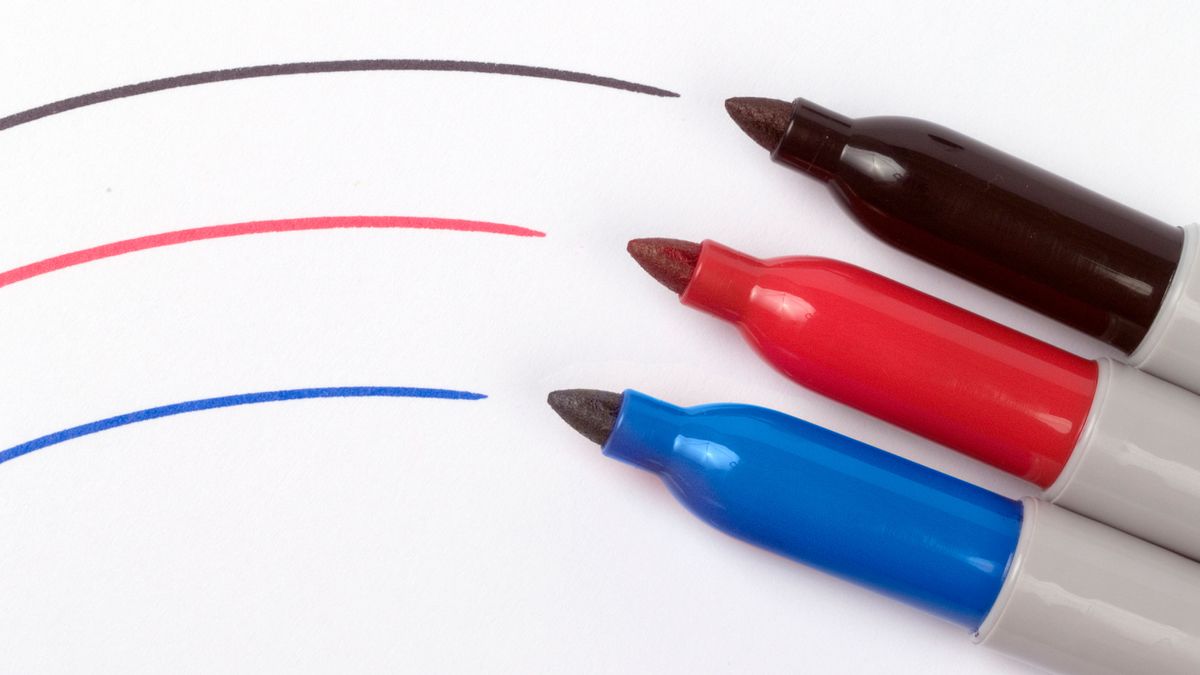
Dry erase markers contain a non-polar solvent that keeps the ink from bonding permanently to non-porous surfaces. When you draw over permanent marker with a dry erase marker, that solvent reactivates the permanent ink and allows both to be wiped away together. It's a practical application of the principle that like dissolves like — non-polar solvents dissolve non-polar inks.
Step-by-step permanent marker removal:
- Draw over the entire permanent marker stain with a high-quality dry erase marker — completely covering the stain with fresh dry erase ink.
- Wait exactly 5 seconds. Do not wait longer: if the dry erase marker dries completely, the solvent effect is reduced and the combined mark becomes harder to remove.
- Wipe both marks away immediately with a clean, lint-free or microfiber cloth using firm pressure.
- If the stain has been on the surface for several days and has fully set, repeat the process two or three times, applying steady pressure with the cloth on each pass.
- Finish with a light spray of glass cleaner and a final wipe to remove any remaining residue.
If the dry erase marker method doesn't fully remove the stain — particularly on older or lower-quality whiteboard surfaces — isopropyl alcohol applied with a microfiber cloth is the next step. On porcelain steel surfaces, permanent marker almost always comes off completely with the dry erase method.
How to Clean a Glass Board
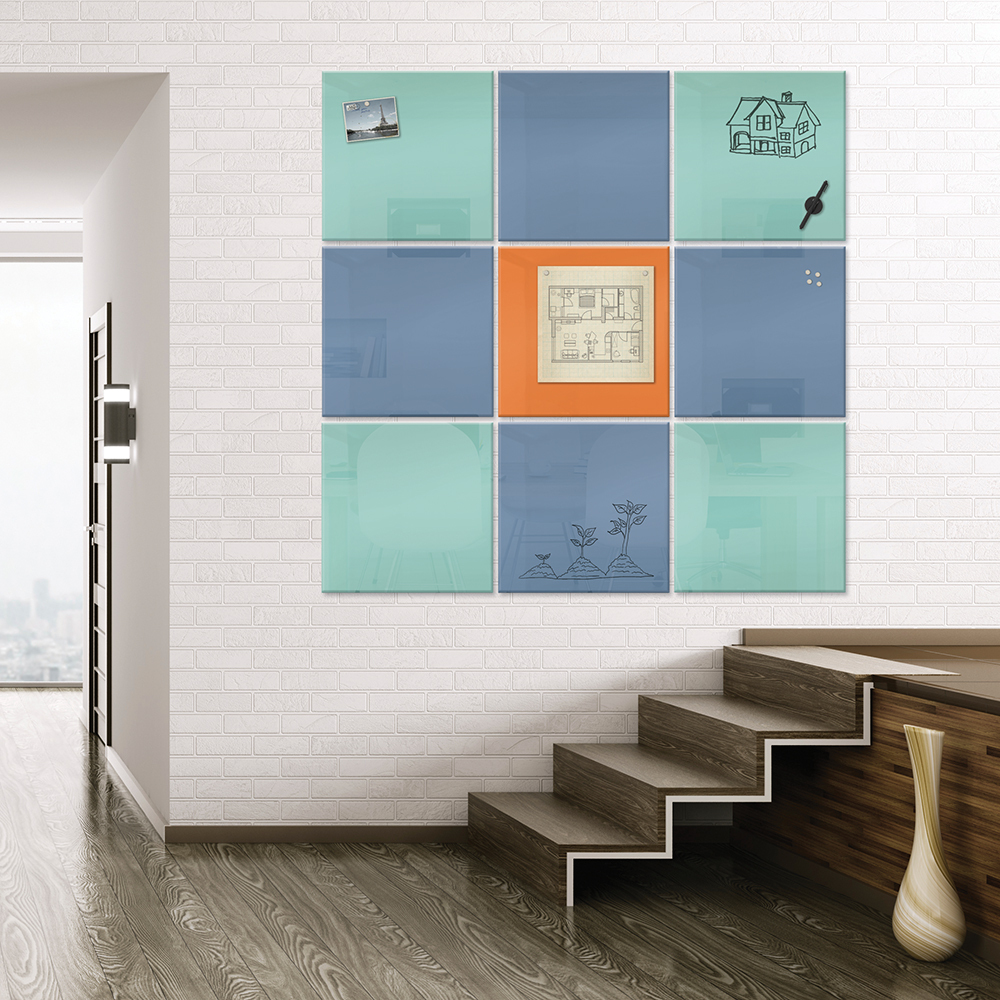
Glass boards are generally easier to maintain than dry erase whiteboards because the glass surface is non-porous and highly resistant to staining and ghosting. Daily wiping is sufficient for most classroom and office use.
Everyday cleaning
- Wipe the glass board surface with a clean microfiber cloth moistened with a liquid glass cleaner.
- Rinse with clean water.
- Dry with a second clean, dry cloth to prevent streaking.
Glass boards should not be cleaned with abrasive materials, paper towels, or cleaners containing paint remover. For standard dry erase marks, a slightly dampened cloth is often sufficient without any cleaning product.
Removing soil marks from glass boards
Soil marks — paint, oil, crayon, tape adhesive, and similar contaminants — that don't come off with standard glass cleaner can be removed safely using denatured alcohol or a dedicated glass cleaning fluid. Apply to a soft cloth rather than directly to the surface, rub gently in a circular motion, and rinse thoroughly with clean water.
Under no circumstances should cleaners containing paint remover, abrasives, or ammonia be used on glass boards — these can etch or cloud the glass surface permanently.
Cleaning projection and colored glass boards
If your glass board has a matte projection surface, the cleaning process is slightly different from standard glass:
- Spray the surface lightly with a glass cleaner.
- Rub briskly with a clean microfiber cloth.
- Rinse with clean water and dry completely.
For black or colored glass boards: standard dry erase markers may be difficult to read on dark surfaces. Use neon or high-contrast markers specifically designed for dark writing surfaces. Some colored glass boards ship with a set of neon markers included — check your product documentation.
Universal Whiteboard and Glass Board Care Tips
Regardless of surface type, these practices will extend the life and performance of any whiteboard or glass board:
- Use quality dry erase markers — budget markers tend to leave more residue and cause ghosting faster than name-brand alternatives. On porcelain steel surfaces the difference is less pronounced, but on standard melamine boards it's significant.
- Erase daily and clean weekly — the most common cause of whiteboard degradation is neglect. A 30-second wipe-down at the end of each day prevents the buildup that turns into ghosting.
- Replace dry erasers regularly — a saturated eraser redistributes ink rather than removing it. If your eraser leaves marks rather than clearing them, it needs to be replaced or washed.
- Use only microfiber cloths for wet cleaning — paper towels leave lint fibers, and rough cloths can scratch softer whiteboard surfaces over time.
- Never use the same cloth for applying cleaner and for the final dry wipe — a damp final wipe leaves streaks that become visible when the board is in use.
- Keep permanent markers out of whiteboard areas — if permanent marker accidents are recurring, consider a physical separation: keep permanent markers in a different drawer or container entirely from dry erase markers.
FAQ: Common Whiteboard Cleaning Questions
These are the most frequently searched questions about whiteboard cleaning, answered directly.
Can you use rubbing alcohol to clean a whiteboard?
Yes — isopropyl alcohol (70% concentration) is one of the most effective whiteboard cleaners available and is safe for use on porcelain steel and glass board surfaces. It removes ghosting, residue, and even permanent marker effectively. Apply it to a microfiber cloth rather than directly to the surface, and rinse with clean water afterward. Avoid using alcohol on melamine or painted whiteboard surfaces, as repeated use can degrade the coating over time.
Why does my whiteboard not erase properly?
Poor erasability is almost always caused by one of three things: (1) ghosting buildup from infrequent cleaning — use a deep cleaning treatment with isopropyl alcohol; (2) a saturated dry eraser that's redistributing ink rather than removing it — replace or wash the eraser; or (3) low-quality markers that leave heavier residue than standard dry erase markers. On porcelain steel surfaces, erasability issues are rare because the surface is non-porous and doesn't absorb ink. On melamine surfaces, degradation over time is the likely cause.
What is the best whiteboard cleaner?
For porcelain steel surfaces: isopropyl alcohol, glass cleaner, or non-abrasive ceramic stovetop cleaner (like Bar Keepers Friend) all work well. For glass boards: liquid glass cleaner is ideal. For all surfaces: a dedicated whiteboard cleaner spray is a reliable option and is formulated to be safe across surface types. Avoid any cleaner containing ammonia, abrasives, or paint remover.
How do you fix a whiteboard with heavy ghosting?
For light ghosting, isopropyl alcohol on a microfiber cloth applied with firm circular pressure usually clears it. For heavy ghosting on porcelain steel, a non-abrasive ceramic cleaner can restore the surface significantly. For melamine whiteboards with severe ghosting, the surface may have degraded past the point of full restoration — a whiteboard conditioner or resurfacer product can help, but if ghosting is persistent and the board is old, replacement is often the more cost-effective solution.
Does the dry erase marker trick really work for permanent marker?
Yes — and it works consistently on non-porous surfaces like porcelain steel and glass. The non-polar solvent in dry erase markers reactivates the permanent marker ink, allowing both to be wiped away together. The key is timing: wipe within 5 seconds of applying the dry erase marker, before the solvent evaporates. On porous or lower-quality whiteboard surfaces, it may require multiple passes.
Can I use WD-40 to clean a whiteboard?
WD-40 can remove permanent marker and heavy ghosting from whiteboard surfaces, but it leaves an oily residue that must be removed thoroughly with glass cleaner afterward — otherwise it attracts dust and makes dry erase markers harder to erase in the future. It's a useful emergency option but not a regular cleaning product for whiteboards.
Choosing a Whiteboard Surface That's Easy to Maintain
Not all whiteboard surfaces are equal in terms of maintenance requirements. Melamine boards — the most common budget option — are prone to ghosting, staining, and surface degradation over time. Porcelain steel boards, the surface used across MooreCo's whiteboard products, are non-porous, resist ghosting, accept magnets, and are covered by a lifetime surface guarantee. Glass boards are the premium option: completely non-porous, the easiest to clean, and virtually immune to ghosting.
If you're equipping a classroom or office where boards will see heavy daily use, the long-term maintenance cost of a melamine board — in cleaning time, resurfacing products, and eventual replacement — often exceeds the upfront price difference compared to porcelain steel. See our full range of writable surface products at moorecoinc.com to compare surface options.
For a broader look at how whiteboards and glass boards fit into an active learning environment, see our posts on 21st century classroom design and how to set up a blended learning classroom.
Topics: Design, Active Classroom, Clean Living, Teacher's Favorites, Visual Communications, Whiteboard, Educators